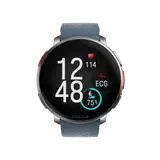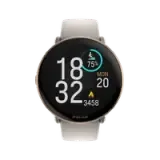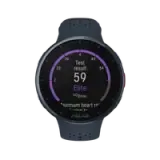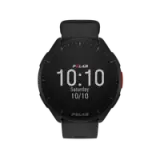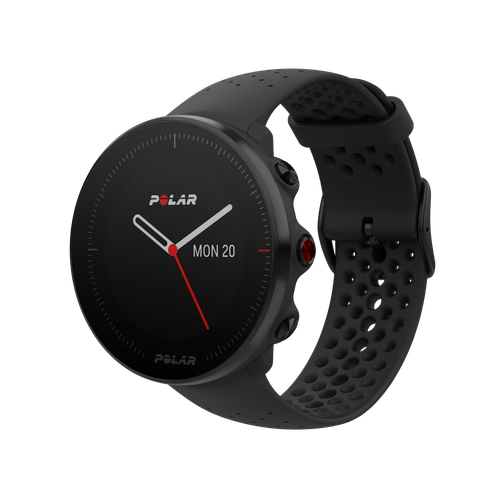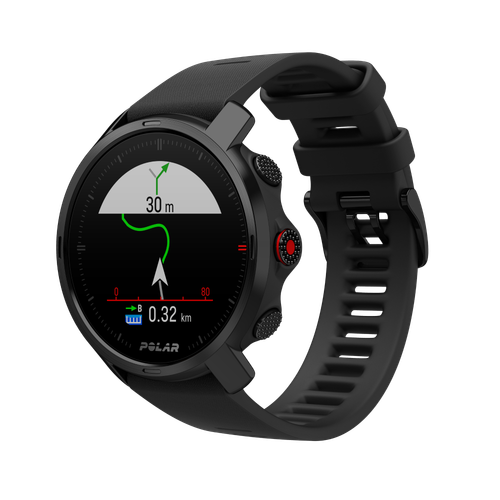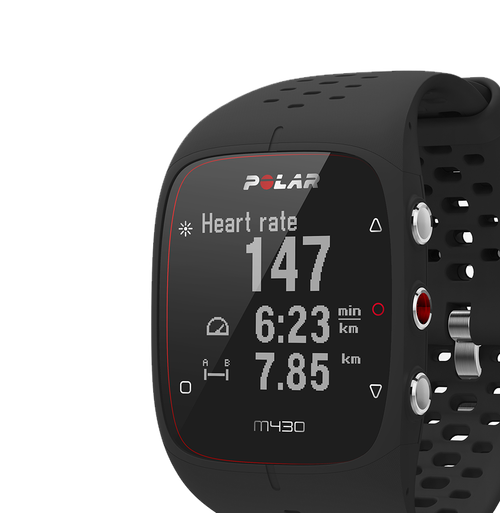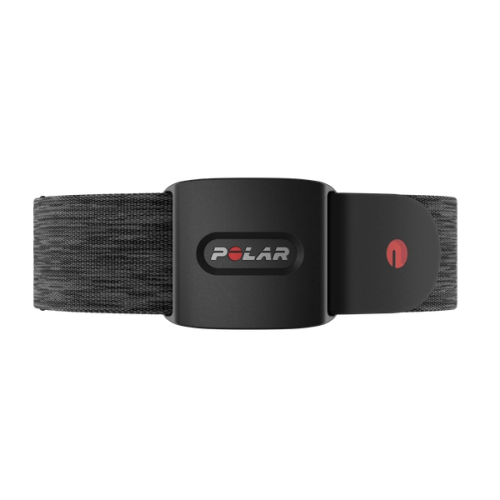
Running Program
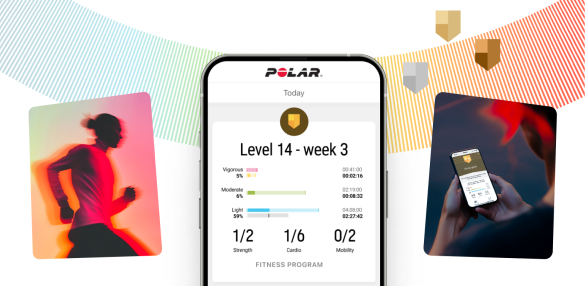
Train for a running event with a personalised and adaptable running plan in Polar Flow. Choose one of four events, 5K, 10K, half marathon and marathon, and get a comprehensive training plan that fits you and your goals.
Depending on your choices and activity levels, you will receive a personal running program that can range from 9 to 15 weeks. Running Program also offers a base-building phase that can work for months before the start of the actual running plan.
Running Program gives you easy-to-follow instructions, motivational guidance and supportive exercises with video instructions that take the guesswork out of training.
During individual training sessions, compatible Polar products guide you in real-time. You can see your target heart rate zone and target duration and adjust your training for optimal results.
Running cadence from the wrist
Running cadence is the number of steps you take per minute, divided by two. Running cadence from the wrist is measured by the accelerometer in the wrist unit so there is no need for any extra equipment, such as footpods.
Paying attention to running cadence helps you improve your running efficiency and avoid injuries. A low cadence, for example, could mean that you’re overstriding and putting undue stress on your body.
GLONASS
GLONASS is a global satellite navigation system that provides speed, distance and route data for your outdoor activities. It works together with the built-in GPS to provide the best possible accuracy for your data.
Wrist-based heart rate measurement
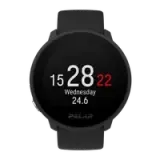
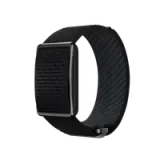
In Polar wrist-based heart rate measurement heart rate monitoring is integrated into a device that can be worn on your wrist. It enables you to quickly and easily check your heart rate by entering training mode in your device. It measures your heart rate accurately and easily, and gives training guidance on how to train at the right intensity. The Polar wrist-based heart rate measurement is based on Polar proprietary optical heart rate module to give the best possible results, with an emphasis on both design and functionality.
One of the key factors in wrist-based heart rate measurement, in ensuring an accurate reading from a wrist-based device, is ensuring a proper fit. The watch should sit behind the wrist bone, with the back of the watch fitting snugly against your wrist, but obviously not so tight as to prevent blood circulation or feel uncomfortable.
Heart rate
Heart rate (HR) is an excellent measure of exercise and your training intensity. In the human body heart rate is regulated to match the demands of the body and the environment. When exercise intensity increases, heart rate also increases to match the increased rate of energy expenditure and oxygen uptake.
Heart rate can be expressed as the absolute number of beats per minute (bpm) or as a percentage of your maximum heart rate (% HRmax) or heart rate reserve (% HRR). Absolute heart rate during training is not very informative on its own, but when it’s expressed and interpreted in relation to HRmax or HRR it determines individual exercise intensity.
Your heart rate value in beats per minute (e.g. 125 bpm) is individual and cannot be compared to another person's value. A percentage of your maximum heart rate value on the other hand is comparable. For instance your friend may have a higher heart rate value in bpm, but the percentage of your individual HRmax can be the same. This means that you have the same relative training intensity.
HRmax
Maximum heart rate (HRmax) is the highest number of heart beats per minute (bpm) during physical exertion. HRmax is individual and may somewhat decrease as you age. It sets the individual reference value for your training intensity and is used in the calculation of the default heart rate zones and many Polar Smart Coaching features.
An age-based HRmax is a rough estimate of your maximum heart rate, and it is used as default in most Polar training computers. The most reliable and safest way to determine your HRmax is to have it measured in a maximal laboratory test.
Heart Rate zones
Provide an easy way to adjust and monitor the intensity of your training. By using hear rate zones you can also follow heart rate-based training programs. The default zones are based on your HRmax.
Different training intensities have different training benefits, for instance light intensity enhances basic aerobic endurance and hard intensity improves your body’s ability to sustain high intensity exercise and your maximal oxygen uptake.
The default heart rate zones are divided into five intensity zones based on the percentage of your maximum heart rate:
- Very light (50–60% HRmax)
- Light (60–70% HRmax)
- Moderate (70–80% HRmax)
- Hard (80–90% HRmax)
- Maximum (90–100% HRmax)
You can define the zone limits yourself as you want. More detailed information about this can be found in the Polar Flow web service.
ZonePointer
A moving symbol in zone display in your training computer showing whether you are inside the pre-set or desired target zone. This feature helps you to reach the desired intensity/pace/speed targets.
Running Index
Your Running Index score is calculated automatically after every run. It is based on a combination of HRmax and HRrest as well as your heart rate, speed and altitude (available on Polar V800) during each training session.
You will get an estimate of your running performance (maximal aerobic running performance as a theoretical VO2max value in ml/min/kg). A higher reading indicates that you have better cardiorespiratory/aerobic fitness.
The Running Index gives you information about your performance level, which is a sum of both aerobic fitness and running economy. Improvement means that running at a given pace requires less effort, or that your pace is faster at a given level of exertion.
Temporary factors, such as weather conditions, heat or stress, can affect your Running Index. That’s why we recommend you follow long-term trends instead of daily fluctuations.
In the Polar Flow web service, you can see your long-term average and your estimated finishing times for 5K, 10K, half marathon and marathon runs.
Smart Calories
Calculates the number of calories burned based on your individual data: your weight, height, age, gender, HRmax, HRrest, VO2max, and the intensity of your training/activity.
Heart rate-based calorie calculation is used when heart rate is measured, and it measures burned calories the most accurately also in conditions like cycling or lifting weights. Activity-based calorie calculation is used in training computers and activity trackers, when heart rate is not available.

You can see the cumulative energy expenditure (in kilocalories, kcal) during exercise and total kilocalories of the session after exercise. You can also follow your total daily calories.
Training Benefit
Helps you to understand how each training session benefits your fitness. It also gives you motivating feedback immediately after exercise. With the Training Benefit feature, you can make your training more varied by altering your training intensity and duration.
The Training Benefit feedback is based on exercise intensity and duration. It reads into how much time you spend and how many calories you burn in each intensity zone. You get a quick overview after each session and for more detailed feedback, you can either check your training file from your training computer or later in the Polar Flow app or web service.
Training Load
Training Load shows you how strenuous your training session was and helps you compare the load of different workouts. For example, you can compare the load of a long low intensity cycling session to that of a short high intensity running session.
Training Load is based on the intensity and duration of a training session. The intensity of a session is measured mainly by using your heart rate. The calculation is further affected by your personal information, such as age, sex, weight, VO2max and training history.
Your aerobic and anaerobic threshold values are used in the calculation. In addition, the sport you are doing is taken into account via a sport specific factor, which improves the calculation accuracy.
Available in Polar Flow.
in Flow web service
Recovery Status
Recovery Status helps you to find balance between training and rest and estimates how much training load you can tolerate. It keeps track of your cumulative load – that is, the intensity, volume and frequency of your training as well as your daily activity measured by a Polar wrist unit. Recovery Status takes your training background into account and estimates your current and future level of physical strain.
Too much training in relation to time for recovery may lead to fatigue and decrease in performance. On the other hand, with too little training within a time frame, you may not take advantage of your whole capacity. By keeping an eye on your recovery status you can plan your training so that you avoid over- and undertraining.
The four Recovery Status levels are:
- Undertrained
- Balanced
- Strained
- Very strained
You can see your Recovery Status in the Polar Flow web service. V800 users can see their Recovery Status also on the V800’s display.
in Flow web service
Distance
Distance (km, mi) can be set and measured in several ways. Training distance tells you the distance traveled during a training session. Lap distance tells you the distance of one lap.
Altitude, ascent/descent
Allows you to identify your current altitude and to determine altitude-related conditions. Your current altitude is shown as meters/feet and ascended and descended meters/feet. Altitude is measured either with GPS or an atmospheric air pressure sensor (V800, V650, M450).
Sport profiles
Allows you to choose the sport relevant for your training from over a hundred Polar sports with sport-specific reports. You can get the most valuable information for you from your chosen sport.
All sport profiles are based on certain logic and the most common (endurance) sports are enhanced with Polar-specific multipliers affecting calorie and training load calculation.
You can choose and adjust your own favourite sports and define specific settings for each one in Polar Flow. In more advanced training computers you can get tailored views during your training and choose what data you want to follow during training, for instance heart rate or just speed and distance.
User-adjustable training displays
You can tailor your training views to fit your needs. Customize your training views in the sport profiles settings in Polar Flow.
GPS
Built-in GPS provides accurate speed and distance measurement for a range of outdoor sports, and allows you to see your route on the map in the Polar Flow app and web service after your session.
A-GPS
Provides a fast GPS satellite fix. A-GPS data tells your wrist device the predicted positions of the GPS satellites and makes it possible to get signals from them within seconds, even under difficult signal conditions.
The A-GPS data file is valid for up to 13 days on your training computer. To ensure a faster fix time, make sure to sync your training computer with Polar Flow app or FlowSync on a regular basis.
Speed/Pace
See your speed on your device during your workout and in Flow afterwards. Runners usually use the term pace (min/km or min/mile) instead of speed (km/h or mi/h). You can also set a target based on your speed/pace training zones. You can view your current, average and maximum speed/pace.
Training targets
You can create training targets in Polar Flow and save them to your training diary or as favourites for later use. Sync your targets to your training device. You can set phased targets with heart rate or speed/pace guidance to create an interval workout or add simple training targets, such as ‘burn 700 kcal cycling’ or ‘run 30 minutes’.
Your device will guide you throughout your training. You will get an alert on your device when you need to slow down or speed up to make sure your training goes as targeted.
After the training session you can analyse your result and compare it with your target in Polar Flow.
Training history
Stores your recent training files. Memory capacity and number of stored training files varies according to training computer and what and how much data is included in files (e.g. heart rate, GPS). Certain languages also affect the memory capacity.
Training diary (M600)
When you plan and schedule your workouts in Polar Flow or use Polar Running Program, your device shows your scheduled workouts for the next seven days. You’ll also see scheduled workouts that you didn’t do from the past seven days.
Laps, manual
Allows you to take laps on the go whenever you want.
Laps, automatic
Set your automatic laps in the Polar Flow web service based on a certain time frequency or distance.
Swimming Metrics
Easily track your swimming performance with automatic detection of your swimming style, distance, pace, strokes and rest times. Swimming metrics help you to analyze each swimming session and follow your performance and progress in the long run. In addition, with the help of the SWOLF score you can improve your swimming technique.
All swimming metrics can be measured in pool swimming and swimming. Open water swimming supports distance and strokes.