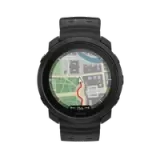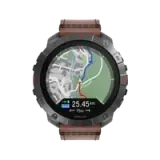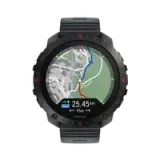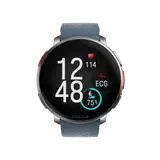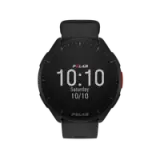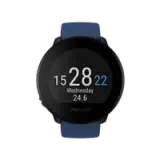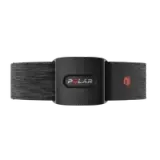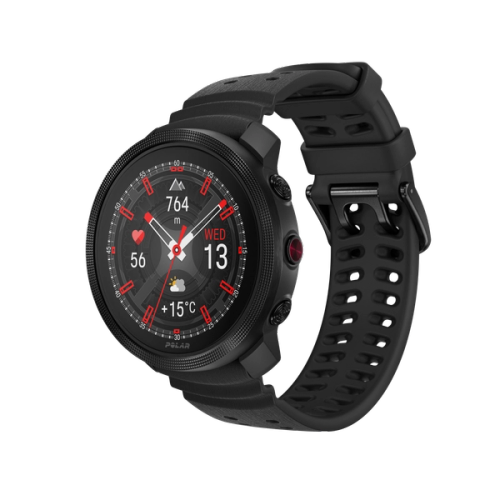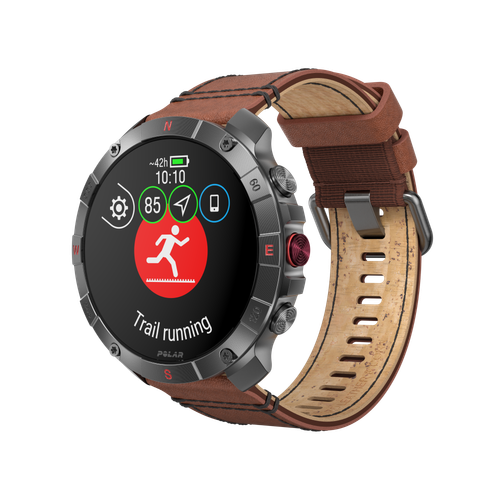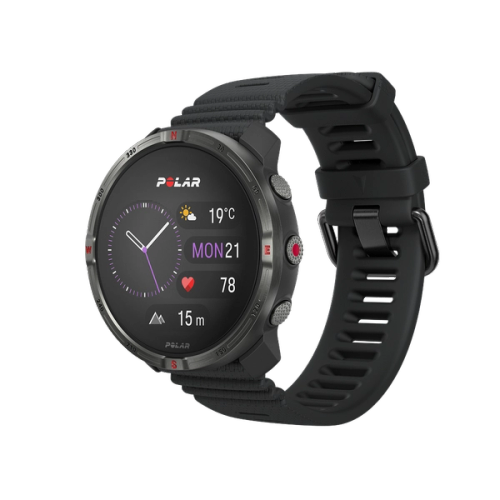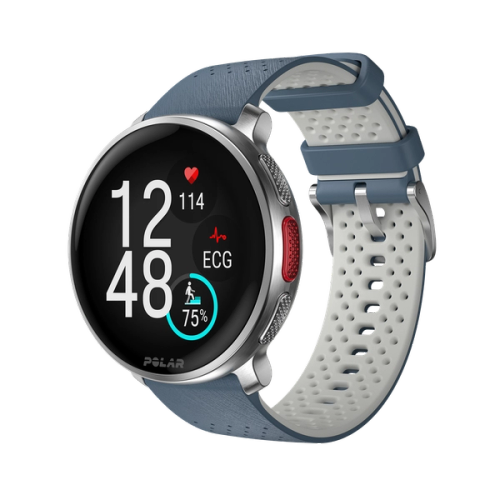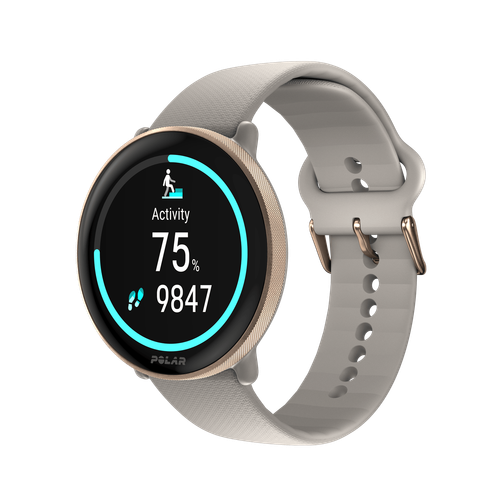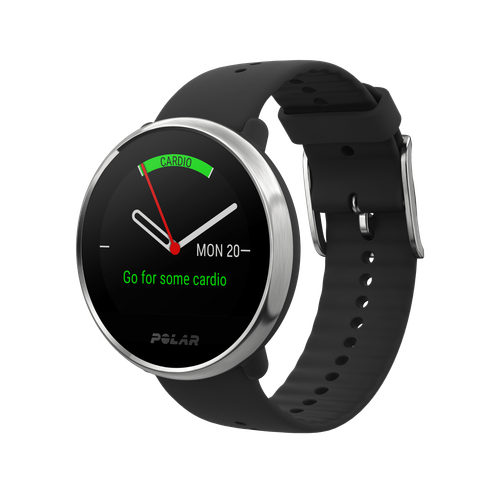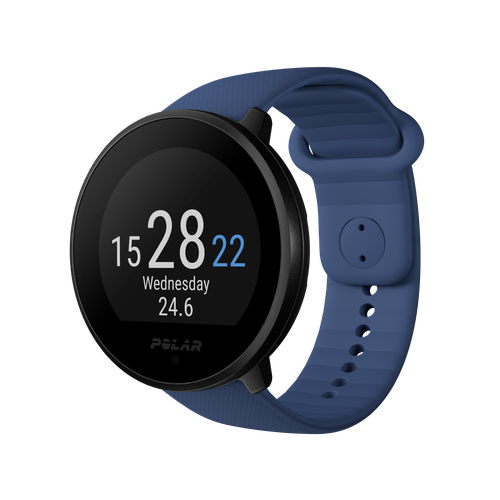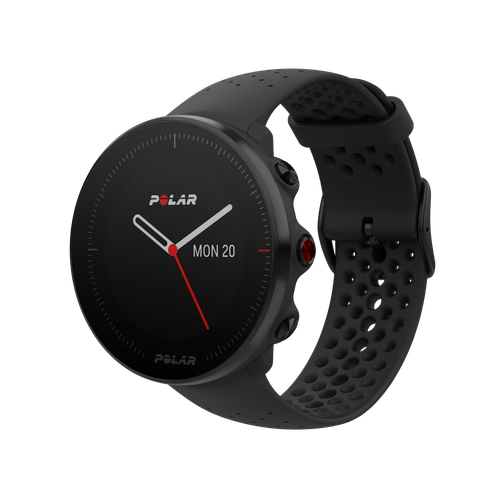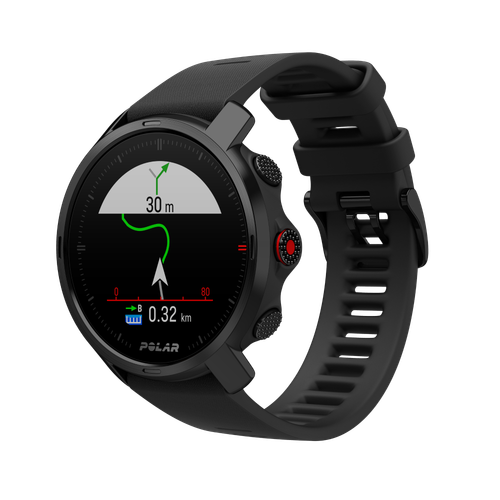
RCX3 Club Edition
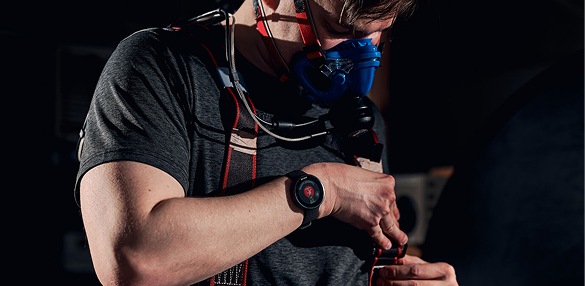
For fitness clubs that want to offer smart guidance for their customers.
- The H2 heart rate sensor enables the customer to see real-time heart rate on compatible gym equipment
- Training Benefit feature gives instant feedback after the session
- Guides to train at the right intensity with personal sport zones
- The Polar Fitness test measures aerobic fitness at rest and tells the progress
- Average and maximum heart rate of each lap
- Average, minimum and maximum heart rate of training
- Heart rate – bpm / %Heart rate is the measurement of the work your heart does. Heart rate can be expressed as the number of beats per minute or as percentage of your maximum heart rate. Heart rate can also be expressed as a percentage of your heart rate reserve, meaning the difference between your resting heart rate and maximum heart rate (HRR = HRmax - HRrest). In Polar software or during strength training, heart rate can be displayed as a graphical trend.
- HRmax (age-based)
The highest number of heart beats per minute (bpm) during maximum physical exertion. For a rough estimate of your maximum heart rate, subtract your age from 220. HRmax is a useful tool for determining the intensity of training as intensity zones can be defined using HRmax. Some Polar products define maximum heart rate during the Polar Fitness Test, see also HRmax (Polar Fitness Test -based).
- HRmax (user set)
- Polar Fitness TestPolar Fitness Test measures your aerobic fitness at rest in just five minutes. The result, Polar OwnIndex, evaluates your maximal oxygen uptake (VO2max). With the Polar Fitness Test you can measure your aerobic fitness by yourself, automatically and without any exertion. All you need is your training computer. The Polar Fitness Test is as accurate in predicting the VO2max as any sub maximal fitness test. The test is based on heart rate and heart rate variability at rest and personal information.
- Polar OwnCal® – calorie expenditure with fat percentagePolar OwnCal calculates the number of kilocalories expended during training. This feature allows you to follow the kilocalories expended during one training session and cumulative kilocalories expended during several training sessions. Some Polar products also estimate the fat-burning percentage (fat% on display), that is, kilocalories expended from fat during a workout which is expressed as a percentage of the total kilocalories burned.
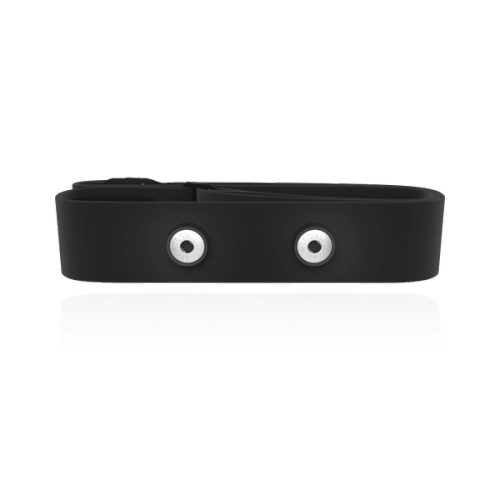

- Polar OwnCode® (2.4 GHz W.I.N.D.) – coded transmissionCoded heart rate transmission automatically locks in a code to transmit your heart rate to the training computer. The training computer picks up your heart rate from your transmitter only. Coding significantly reduces interference from other training computers. The 2.4 GHz W.I.N.D transmission is disturbance-free from other electronic devices.
- Polar sport zonesPolar sport zones provide an easy way to select and monitor the intensity of your training and to follow sport zones based training programs. Training is divided into five zones based on percentages of your maximum heart rate: very light (50-60%HRmax), light (60-70%HRmax), moderate (70-80%HRmax), hard (80-90%HRmax) and maximum (90-100%HRmax).
- Polar ZoneOptimizer - personalized sport zonesZoneOptimizer adjusts personal sport zones for every training session based on your current physiological condition. This feature gives you the right heart rate zones depending on your physiological state at that exact moment, making sure that the you are always training at the right intensity.
- Training benefitThe Training Benefit feature gives you instant feedback as text on your training computer after you finish your training session: first you get a short summary Benefit, and in the training result file there is a longer Benefit text. When you transfer your training result to polarpersonaltrainer.com, there is a more physiologically oriented Benefit explanation in the training result in your Diary. Training Benefit interprets the numeric data that your training computer records during your training session and explains what kind of effects the training session had on your body and fitness. The Training Benefit feature is available in certain training computers.
- Bike settings – for two bicyclesYou can define settings up to two bikes in your training computer. When you start training, you can select the bike with the correct settings for that particular training session.
- Cadence – current, average and maximumYour cycling cadence stands for your pedaling rate in revolutions per minute (rpm). Cadence is the central factor in improving cycling performance. A higher cadence reduces the force needed for each pedal stroke, and thus improves overall performance. Running cadence measures how many times your either right or left foot hits the ground in one minute. Running cadence is measured as steps per minute. With this feature you can sharpen your cadence and make your ground contact time shorter. This will help you to find a balance between leg power and leg speed.
- Autostart/stopBy activating Autostart/autostop feature, the cycling computer starts and stops training recording automatically when you start or stop pedaling.
- Bike settings – for two bicyclesYou can define settings up to two bikes in your training computer. When you start training, you can select the bike with the correct settings for that particular training session.
- Distance – training, lap, and totalDistance (km, mi) can be set and measured in several ways. Training distance tells you the distance traveled during a training session. Trip distance tells you the distance from the latest trip reset. Lap distance tells you the distance of one lap. Total distance is the distance accumulated since the last reset. Odometer tells you the cumulative distance which you cannot reset.
- Speed – current, average and maximum
- Compatible with Mac (Intel-based) via Polar DataLink
- Compatible with PC via Polar DataLink
- Compatible with polarpersonaltrainer.com via Polar DataLink
- Distance – training, lap, trip and totalDistance (km, mi) can be set and measured in several ways. Training distance tells you the distance traveled during a training session. Trip distance tells you the distance from the latest trip reset. Lap distance tells you the distance of one lap. Total distance is the distance accumulated since the last reset. Odometer tells you the cumulative distance which you cannot reset.
- Route mapping – opt. with polarpersonaltrainer.com web service
- Running IndexRunning Index is based on heart rate and speed data measured during the run. It gives daily information about your performance level, both aerobic fitness and running economy. Improvement in running efficiency indicates improved economy of running performance.
- Speed/Pace – current, average and maximumSpeed (km/h or mi/h) is measured with GPS, footpod, stride sensor or cycling speed sensor. Pace (expressed as min/km or min/mile) stands for the rate of speed. Pace is usually used in running. By setting a target pace, you can follow how fast you need to run in order to reach a certain distance in a predefined time.
- Distance – training, lap, trip and totalDistance (km, mi) can be set and measured in several ways. Training distance tells you the distance traveled during a training session. Trip distance tells you the distance from the latest trip reset. Lap distance tells you the distance of one lap. Total distance is the distance accumulated since the last reset. Odometer tells you the cumulative distance which you cannot reset.
- Route mapping – opt. with polarpersonaltrainer.com web service
- Running IndexRunning Index is based on heart rate and speed data measured during the run. It gives daily information about your performance level, both aerobic fitness and running economy. Improvement in running efficiency indicates improved economy of running performance.
- Speed/Pace – current, average and maximumSpeed (km/h or mi/h) is measured with GPS, footpod, stride sensor or cycling speed sensor. Pace (expressed as min/km or min/mile) stands for the rate of speed. Pace is usually used in running. By setting a target pace, you can follow how fast you need to run in order to reach a certain distance in a predefined time.
- Advanced training analyzingYou can easily analyze each of your training sessions in the training result view. In addition to many useful details about your training, the Curve illustrates graphically the data from the sensors that you used while training. Place your mouse cursor on the curve to see more details.
- Map view – optional with GPS sensorWhen you use a GPS sensor you get a map view of your training route. On the map you can examine your training data in further detail.
- Training diaryDiary is available in Polar software. When you transfer training results from your training computer to your Diary, you can easily follow up your training as well as plan your future training sessions. You can choose to see your training sessions in a Month or Week view, along with a Month or Week summary.
- Training LoadThis feature is available in Polar software. When you transfer training results from your training computer to polarpersonaltrainer.com, you can follow your training load and recovery in the training diary. Continuous monitoring of training load and recovery will help you recognize personal limits, avoid over- or undertraining, and adjust training intensity and duration according to your daily and weekly targets.
- Training programsThe polarpersonaltrainer.com web service offers training programs for running, cycling, outdoor sports, and general fitness, for instance. The training program creates training targets which appear in your Diary. You can customize the program according your current fitness level.
- TotalsTotals includes your training data starting from the last reset enabling you to follow your long-term training.
- Training files (with summaries) – 99
- Weekly historyWeekly history gathers your weekly training data. By selecting a week, you can review your training data for the week.
- Number of laps – 99
- Sport Profiles (4 fixed sport profiles)There is one profile for running, two for cycling, and one for other sports. In each profile you can activate the sensors that you want to use with that sport. There is a specific selection of sensors available for each profile.
- Graphical target zone indicatorThis feature points out graphically on the display the zone you are in during a training session helping you to stay on the desired intensity zone.
- Automatic lap recordingWith this feature you can set your training computer to take laps based on preset distance, for example, every 1 km/mi.
- ZonePointerZonePointer is a visible and moving symbol on the training computer display indicating whether you are inside the pre-set target zone. This feature helps you to reach the desired intensity/pace/speed/cadence targets.
- Training computer settingsYou can edit your training computer settings with the WebSync software.
- ZoneLockZoneLock feature helps you to accumulate certain intensity. You can either lock a zone before a training session or during it by pressing a button when you are on the desired zone.
- Backlight
- Date and weekday indicator
- Display text in English, German, French, Spanish, Portuguese, Italian, Dutch, Danish, Finnish, Norwegian and Swedish
- Dual time zone
- Button LockBy activating Button Lock, training computer buttons are locked, and accidental presses do not cause problems, for instance, during training.
- Low battery indicator
- Time of day (12/24h) with alarm and snooze
- User replaceable battery
- Water resistant – 30m
- Speed/Pace – current, average and maximumSpeed (km/h or mi/h) is measured with GPS, footpod, stride sensor or cycling speed sensor. Pace (expressed as min/km or min/mile) stands for the rate of speed. Pace is usually used in running. By setting a target pace, you can follow how fast you need to run in order to reach a certain distance in a predefined time.
- Running IndexRunning Index is based on heart rate and speed data measured during the run. It gives daily information about your performance level, both aerobic fitness and running economy. Improvement in running efficiency indicates improved economy of running performance.
- Average stride lengthStride length is the average length of one step, that is, the distance between your right and left foot contacting the ground. Runners adjust stride length to gather speed: stride length increases as speed increases. Yet one of the most common mistakes novice runners make is over-striding. The most efficient stride length is the natural one – the one that feels most comfortable.
- Cadence – current, average and maximumYour cycling cadence stands for your pedaling rate in revolutions per minute (rpm). Cadence is the central factor in improving cycling performance. A higher cadence reduces the force needed for each pedal stroke, and thus improves overall performance. Running cadence measures how many times your either right or left foot hits the ground in one minute. Running cadence is measured as steps per minute. With this feature you can sharpen your cadence and make your ground contact time shorter. This will help you to find a balance between leg power and leg speed.
- Distance – training, lap, trip and totalDistance (km, mi) can be set and measured in several ways. Training distance tells you the distance traveled during a training session. Trip distance tells you the distance from the latest trip reset. Lap distance tells you the distance of one lap. Total distance is the distance accumulated since the last reset. Odometer tells you the cumulative distance which you cannot reset.
Polar RCX3 Club Edition
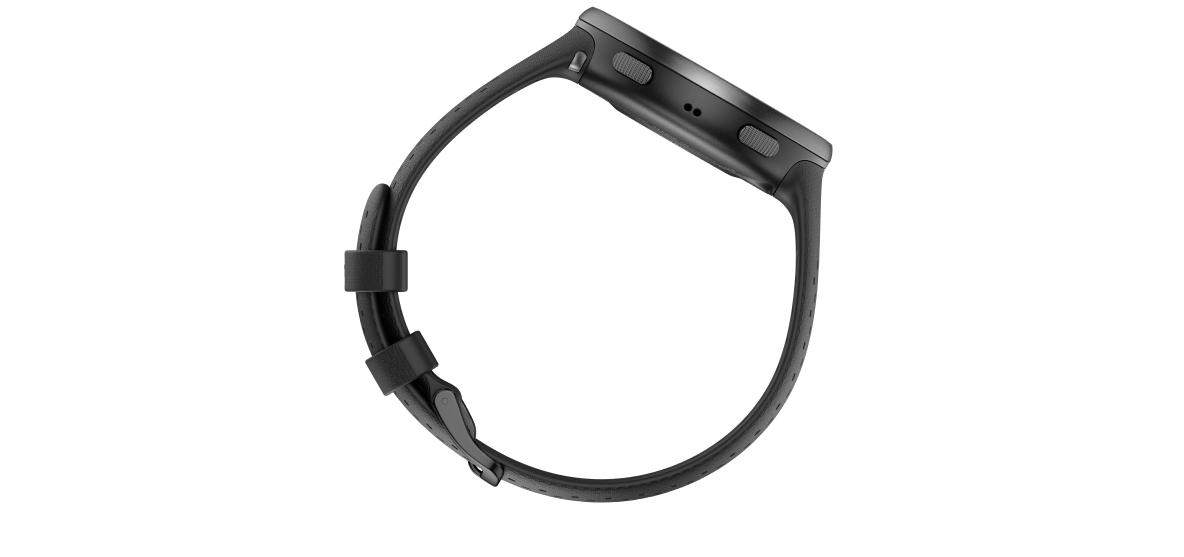
- Polar RCX3 training computer
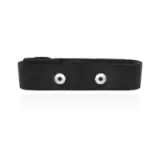
- Polar H2 heart rate sensor
- RCX3 Getting Started Guide